You turned on multi-factor authentication. You did the right thing. But here’s the part nobody tells you: hackers have learned to walk right past it.
If you run a small business in St Petersburg — a CPA firm, an insurance agency, a dental practice — you’ve probably heard that MFA (multi-factor authentication) is the gold standard for protecting your accounts. And it is. It’s one of the best upgrades you can make.
But it’s not the whole story.
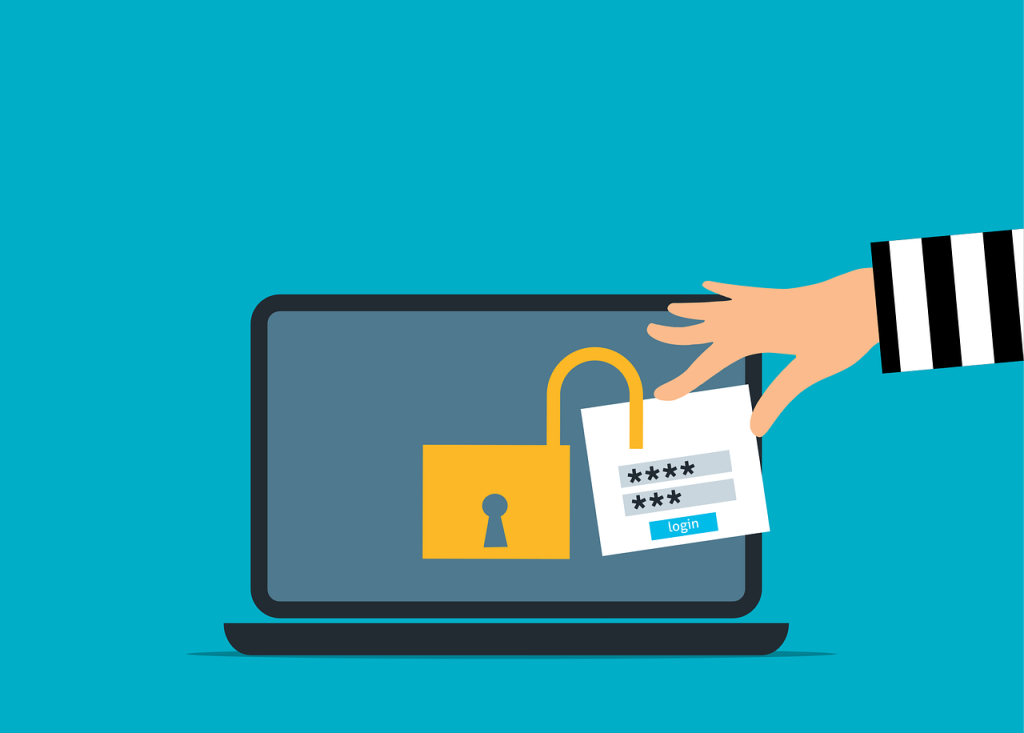
There’s a technique called session cookie hijacking, and it lets attackers skip your login screen entirely. They don’t need your password. They don’t need to trick you into approving an MFA prompt. They just steal the digital wristband your browser gives you after you log in — and they walk right in.
What’s a Session Cookie? (And Why Hackers Want It)
When you sign into QuickBooks Online, your bank portal, or your email, the website hands your browser a little digital proof-of-attendance. Think of it like a wristband at a conference. Once you’ve shown your ID at the front desk, the wristband proves you belong inside. You don’t have to show your ID again at every door.
That wristband is called a session cookie. It keeps you logged in so you’re not typing your password on every single click.
Here’s the problem: if a hacker steals that wristband, they don’t need your password or your MFA code. They just put on the wristband and walk in behind you.
How This Actually Happens to Businesses Like Yours
Let’s walk through the three main ways attackers pull this off — and why each one matters for a small business in Manatee County.
1. The Fake Login Page That Looks Perfect
You get an email that looks like it’s from Microsoft, your bank, or your accounting software. The link takes you to a login page that looks exactly like the real thing. You type in your password. You approve the MFA prompt on your phone. Everything seems normal.
But the whole time, a criminal was sitting between you and the real site, copying everything — including the session cookie your browser just received.
Microsoft documented a campaign that used this exact trick to target more than 10,000 organizations. These aren’t theoretical attacks. They’re happening at scale, right now, to businesses that look a lot like yours.
2. The Attacker Who Rides Along
Imagine someone literally looking over your shoulder while you work — except you can’t see them. That’s essentially what “browser-in-the-middle” attacks do. The attacker takes remote control of your browsing session while you’re logged in. You might not notice anything unusual at all.
Google’s threat intelligence team put it plainly: once the session token is stolen, “an adversary would no longer need to perform the MFA challenge.”
3. The Compromised Computer
Sometimes the attack is even simpler. If a laptop or desktop gets infected with malware, the attacker can pull session cookies right off the machine. No phishing email required. No fake login page. Just a compromised device and a cookie that says “let me in.”
For a 15-person accounting firm in Sarasota where three people share the same login to a state portal, this is the kind of risk that keeps you up at night — once you know it exists.
Why MFA Alone Isn’t Enough (And What Actually Is)
Let’s be clear: MFA is still essential. It blocks the vast majority of basic credential theft. Turning it off would be like leaving your front door wide open because someone might pick the lock on your back door.
But session cookie hijacking proves that MFA is a starting line, not a finish line.
Cloudflare — one of the world’s largest internet security companies — has warned that attackers are finding new ways to bypass MFA, and that modern breaches are rarely just one trick. They’re a chain of attacks, layered on top of each other.
So what does a real defense look like for a small business?
- Phishing-resistant sign-ins — Some newer MFA methods (like hardware security keys or passkeys) can’t be intercepted the way text codes or app approvals can.
- Device health checks — Make sure the computers and phones your team uses are updated, monitored, and not harboring malware.
- Shorter session timeouts — Force high-risk apps (like banking, payroll, or client data portals) to log out more frequently.
- Watch for odd behavior — If someone logs in from Tampa at 9am and the same session is active in another country an hour later, that’s a red flag.
These aren’t things you should have to figure out on your own. And honestly? Most small business owners in Bradenton, Sarasota, and Tampa Bay don’t have the time or the expertise to set all of this up.
Here’s What We’d Tell You Over Coffee
If you’re an accountant, CPA, insurance agent, or any kind of small business owner along the Gulf Coast — your clients trust you with their most sensitive information. Social Security numbers. Tax returns. Financial records.
A session cookie hijack doesn’t just compromise your email. It can give an attacker access to everything your logged-in accounts can see.
MFA was a great first step. But your business deserves the full picture — layered protections that cover what happens after the login screen.
Justin and Sara at Reef Cyber Security work with small businesses right here in the Tampa Bay area to make sure their security actually holds up against attacks like these. Not with scary sales pitches. Just straight talk about where the real gaps are — and how to close them.
Book a free 15-minute call with Justin and Sara and we’ll walk you through exactly where your biggest risk is — no pressure, no jargon.