It’s Monday morning. You’re at your desk with a coffee. You get an email from Microsoft — your password needs to be updated. You click the link, type your password, approve the MFA notification on your phone, and move on with your day.
Except that wasn’t actually Microsoft. And someone in another country just logged into your email — at the exact same moment you did.
If that sounds impossible, you’re not alone. Most small business owners in Bradenton and Tampa Bay believe that multi-factor authentication (MFA) makes their accounts bulletproof. It doesn’t. There’s a growing type of attack called Adversary-in-the-Middle — and it’s designed to walk right through MFA like it’s not even there.
What Just Happened to You?
Here’s the scary part: you did everything right. You had MFA turned on. You used a strong password. You verified the login on your phone. The problem wasn’t you — it was the website you clicked to.
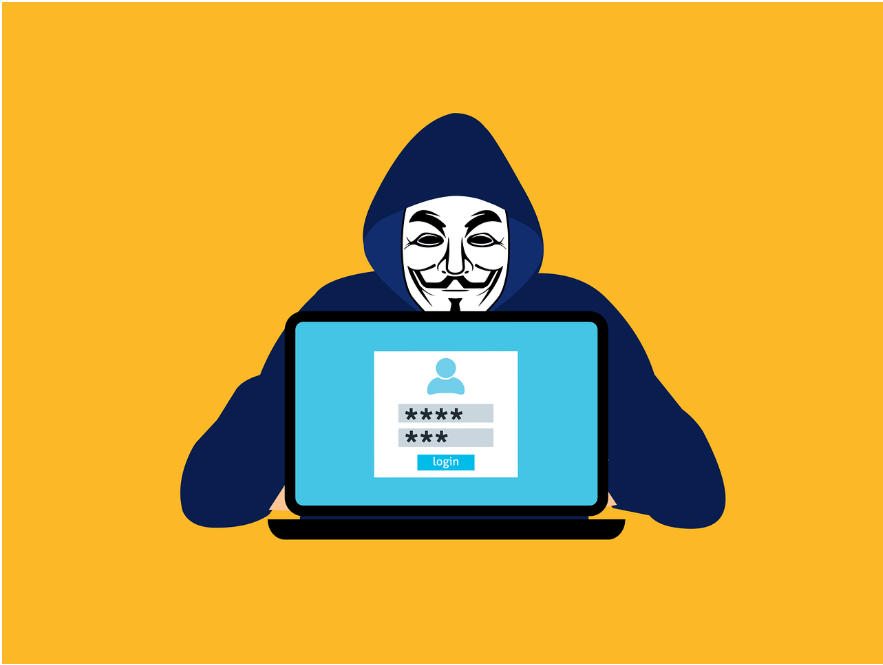
That fake login page wasn’t a cheap knockoff. It was a live relay — a middleman sitting between you and the real Microsoft login page. Every keystroke you typed went through the attacker’s server first, then forward to the real site. When you approved the MFA prompt, the attacker captured the session token — a digital pass that says “this person already logged in” — and used it to walk right into your account.
Think of it like handing your house key to someone you thought was a locksmith. They made a copy before giving it back. You never noticed. But they can now walk in anytime.
Why This Is Happening to Businesses Like Yours
This isn’t a rare, high-tech attack anymore. According to Microsoft’s Digital Defense Report, adversary-in-the-middle phishing attacks surged 146% between 2023 and 2025, with phishing-as-a-service platforms making these attacks accessible to even low-skilled criminals.
These platforms sell ready-made attack kits. A criminal doesn’t need to be a tech genius — they just need a credit card and a target. And the targets they’re choosing? Small law firms, accounting practices, insurance agencies, and financial advisors — businesses that rely heavily on email and handle sensitive client data every day.
Why? Because these businesses usually have MFA turned on — and nothing else protecting them after login.
What Would You Notice? Probably Nothing.
That’s what makes this attack so dangerous. There’s no warning pop-up. No “someone else is in your account” alert. The attacker has a valid session — the same one your browser created when you logged in. To the system, they are you.
From there, they can read your emails, forward messages to themselves, change payment details on invoices, or set up rules that quietly redirect certain emails so you never see them. For a CPA firm or a wealth management practice handling client financials, the damage can be catastrophic — and invisible for weeks.
MFA Is Still Worth It — But It’s Not Enough by Itself
Let’s be clear: MFA is still one of the most important security steps your business can take. Don’t turn it off. The point here is that MFA was designed to stop stolen passwords — and it does that well. It was never designed to stop session hijacking.
Think of MFA like a deadbolt on your front door. It’s essential. But if someone can climb through an open window, the deadbolt doesn’t help.
There are stronger forms of MFA — called phishing-resistant authentication — that are specifically designed to block these relay attacks. Hardware security keys and passkeys, for example, verify that you’re logging into the real website, not a copy. They refuse to work on fake pages, period.
Three Things You Can Do This Week
1. Talk to your IT provider about phishing-resistant MFA. Ask whether your current MFA setup protects against session hijacking — not just stolen passwords. If they can’t answer clearly, that’s a red flag.
2. Shorten your session timeouts. The longer a session stays active, the longer a stolen token is useful. Reducing session lengths — especially for email and cloud apps — limits the window an attacker has to work with.
3. Watch for impossible logins. If your Microsoft 365 admin panel shows a login from another state or country at the same time as a local login, something is wrong. Conditional access policies can flag or block these automatically.
You don’t need to understand the technical details behind every cyber threat. But you do need to know when the protection you’re counting on has a blind spot.
Book a free 15-minute risk assessment with Justin and Sara at Reef Cyber Security. We’ll check whether your current MFA setup actually protects against today’s attacks — and show you exactly what to fix if it doesn’t.