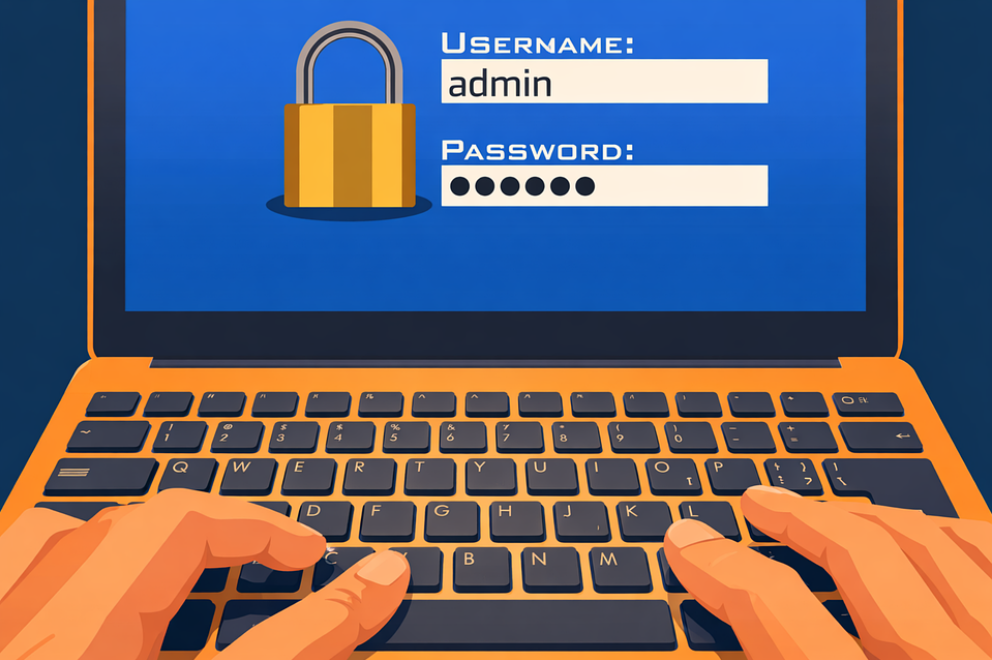
Your team uses passwords for everything. Email, cloud storage, the billing system, the client portal. Some passwords are strong. Some aren’t. And if you’re honest, most of them have been reused somewhere over the years.
It’s not your fault. Passwords were the best option for decades. But the data is clear: stolen credentials are the leading cause of data breaches, year after year after year. The Verizon Data Breach Investigations Report has consistently identified stolen credentials as one of the top factors in data breaches — with the 2025 report finding that credentials were involved in 42% of all breaches. And that number barely budges no matter how many “strong password” reminders get sent.
There’s a better option now. It’s called a passkey. And it might be the single most practical security upgrade your business can make this year.
What’s Actually Wrong With Passwords
The problem with passwords isn’t that people are bad at creating them. The problem is that passwords are shared secrets — they have to be stored somewhere, and anything that gets stored can eventually get stolen.
Think of it this way: a password is like a combination lock where the combination is written down in a drawer somewhere. Even if you memorize it, the website still has to keep a copy. And when that website gets breached — which happens constantly — your combination is out in the world.
Multi-factor authentication (MFA) helped close that gap, and it’s still an essential security step. But the most common form of MFA — a text message code — has a known weakness. Modern phishing kits can intercept that code in real time, capturing both your password and the one-time code before the session expires.
It’s like adding a second lock to a door when someone has already figured out how to copy both keys.
What a Passkey Actually Is (No Jargon, We Promise)
A passkey works differently from a password in one fundamental way: nothing secret ever leaves your device.
When you set up a passkey, your phone or computer creates two pieces of a digital puzzle. One piece stays on your device. The other goes to the website. They only work together — and the piece on your device never gets shared, uploaded, or stored anywhere else.
To log in, you just unlock your device the way you normally do — Face ID, fingerprint, or your device PIN. That’s it. No password to remember. No code to type. No text message to wait for.
Here’s why this matters for security: even if a hacker builds a perfect fake login page, your passkey won’t work on it. The passkey is mathematically tied to the real website. A fake site can’t trigger it. A phishing email can’t steal it. There’s nothing to steal.
Why This Matters for Small Businesses Right Now
Passkeys aren’t experimental technology. They’re already supported by Microsoft 365, Google Workspace, Apple, and most major platforms your business probably uses. The technology is here. The question is when you’ll start using it.
For accounting firms, financial advisory practices, and law firms in Bradenton and Tampa Bay, the business case goes beyond just security:
Fewer password reset tickets. Your IT provider or office manager won’t be fielding “I forgot my password” requests every week. That’s real time and money saved.
Stronger compliance posture. Regulations like GLBA and the FTC Safeguards Rule require financial firms to protect client data with appropriate security controls. Phishing-resistant authentication like passkeys is exactly what regulators want to see.
Protection that doesn’t depend on human behavior. The biggest advantage of passkeys is that they remove the human element from the equation. No one can reuse a passkey across sites. No one can accidentally share it. No one can type it into a phishing page. The technology handles the security — your team just unlocks their device and goes.
How to Start the Switch
You don’t have to migrate everything at once. The smartest approach is to start where the risk is highest:
Step 1: Enable passkeys on your email platform. Email is the front door to everything else. If someone compromises your email, they can reset passwords to every other system you use. Start here.
Step 2: Roll out to your financial and client-facing systems. Any platform where client data lives — your CRM, practice management software, cloud storage — should be next.
Step 3: Set a timeline for everything else. Work with your IT provider to identify which platforms support passkeys and create a migration plan. Most businesses in Manatee County and Tampa Bay can make the switch in phases over a few months without disrupting daily work.
The businesses that will be hit hardest by credential-based attacks are the ones still relying entirely on passwords. Passkeys are the off-ramp — and it’s already built.
Book a free 15-minute risk assessment with Justin and Sara at Reef Cyber Security. We’ll show you which of your systems support passkeys today, help you plan the rollout, and make sure your team actually adopts it — without the headaches.