A dental office in Tampa Bay searched Google for their practice management software last year. The office manager clicked the top result — it had the right name, the right logo, everything looked normal. She entered her login credentials. Within two hours, attackers had access to the practice’s patient records, billing system, and bank account. The “software page” she’d clicked wasn’t real. It was a Google ad bought by criminals.
This scam is called malvertising — short for malicious advertising — and it’s one of the fastest-growing threats hitting small businesses in Bradenton and across the country right now.
What Would You Do If This Happened in Your Office?
Here’s how it works. A scammer pays Google for an ad using the name of a trusted brand — your bank, QuickBooks, Microsoft 365, a PDF reader, anything people search for daily. That ad shows up above the real website, marked only with a tiny “Sponsored” label most people never notice.
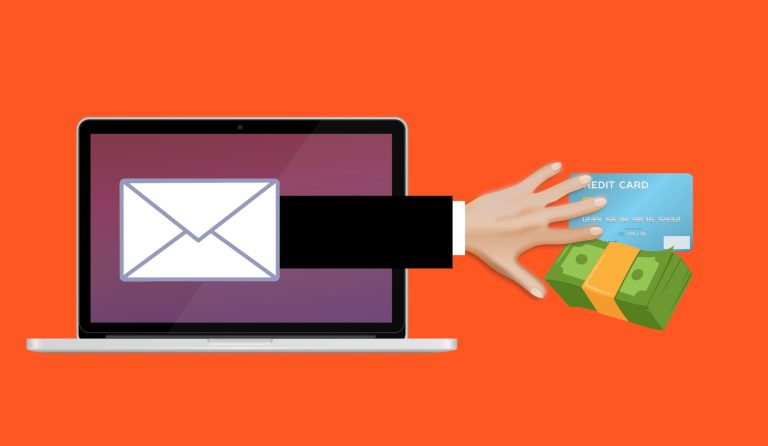
You click it. You land on a page that looks identical to the real thing. Then one of two things happens: you enter your login and hand your credentials straight to the attacker, or you download what you think is legitimate software and install malware instead.
The FBI Has Already Warned About This — Twice
This isn’t theoretical. In 2024, attackers ran Google ads impersonating Google Authenticator — Google’s own security app. The ad looked legitimate. The download page looked legitimate. The file installed password-stealing malware called DeerStealer.
The FBI issued a public service announcement warning that criminals are using search engine ads to impersonate trusted brands, directing users to sites that steal credentials and install ransomware. Anyone can buy a Google ad. There’s no verification that the buyer actually represents the brand.
Why Your Team Will Fall for It
Because the top result feels right. Your staff clicks the first thing Google shows them dozens of times a day. The word “Sponsored” is small, gray, and easy to miss. The fake domain might be off by a single letter — quickb00ks.com instead of quickbooks.com.
Scammers have also gotten frighteningly good at copying real websites. The logo, the colors, the layout — pixel-perfect replicas. If you’re an accounting firm in Manatee County logging into client portals every morning, or a law firm accessing case management software, this is the kind of threat that slips right past a busy employee.
Five Things You Can Do Today
1. Train yourself to skip the ads. The real website is the first organic result, just below the sponsored section. Look for that “Sponsored” label and scroll past it. Every time.
2. Type the address directly when it matters. If you’re logging into your bank, your email, or your accounting software, type the URL into the browser bar. Better yet, bookmark the login pages you use daily. That one habit eliminates the scam entirely.
3. Check the URL before you type any credentials. Before entering a username or password, look at the web address. Watch for extra words, hyphens, or misspelled names. If anything feels off, close the tab immediately.
4. Use a password manager. Password managers only auto-fill credentials on the real website. If you land on a fake page, the password manager stays silent — and that silence is your warning.
5. Turn on multi-factor authentication (MFA). If an attacker does steal your password, MFA — the code sent to your phone or generated by an app — blocks them from getting in. It’s not bulletproof, but it stops the vast majority of these attacks.
This Is a Five-Minute Conversation That Could Save Your Business
Pull your team aside. Tell them three things: don’t click sponsored results on Google, bookmark the login pages you use every day, and if a login page looks even slightly off, stop and say something. Most of the damage from malvertising happens because nobody mentioned it was a thing.
If you want to make sure your team’s accounts are actually protected — or if you’ve never checked whether MFA is turned on across your business — we’ll go through it with you for free. No jargon, no pressure.
Book a free 15-minute risk assessment with Justin and Sara at Reef Cyber Security.
Or call us at (941) 243-1718.